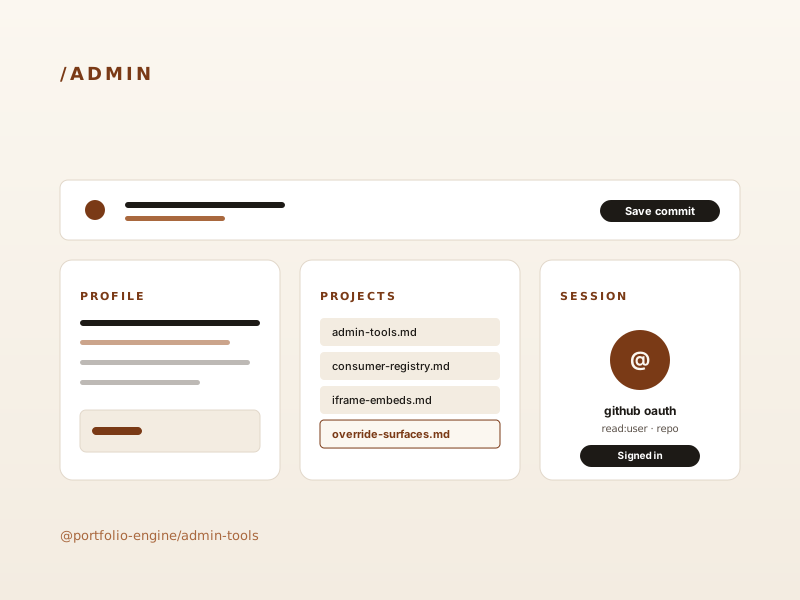
Admin Tools
A drop-in /admin dashboard with GitHub OAuth, content inventory, and a public-asset uploader — or local-only direct-to-disk writes via devBypass.
What it does
@portfolio-engine/admin-tools is an optional Astro integration. Add it to your astro.config.mjs after editorialTheme(...) and it injects:
/admin— a dashboard that lists every content collection entry and the public assets you’ve uploaded./api/auth/{github,callback,session,logout}— GitHub OAuth (read:user,reposcopes) with HMAC-signed session cookies./api/content— inventory, read, and save endpoints for collection entries.
devBypass: true only takes effect during astro dev — the integration sets the bypass env var only when command === 'dev', and the route additionally checks import.meta.env.DEV. In astro build / production, that flag is ignored and /admin falls back to the normal flow: GitHub OAuth + an HMAC SESSION_SECRET, with saves going through the GitHub Contents API so every edit is a real commit on the configured branch.
How to enable it
import { adminTools } from '@portfolio-engine/admin-tools';

export default defineConfig({
  output: 'static',
  adapter: vercel(),
  integrations: [
    editorialTheme({
      /* ... */
    }),
    adminTools({ devBypass: true }),
  ],
});
This demo passes devBypass: true in astro.config.mjs. Locally — when running pnpm --filter demo-site dev — /admin opens straight into the read/write dashboard. On the deployed preview / production build, that flag is a no-op: visiting /admin will require GitHub sign-in and a configured SESSION_SECRET, so on this public demo it will redirect to the GitHub OAuth start URL instead of letting an anonymous visitor write to the repo.
Why it matters
A portfolio site is only useful if non-engineers can keep it up to date. Admin tools means the people who own the content can edit it without touching code — and every change is recorded as a commit in your private content repo, no separate CMS database required.